Built for the way you play
Everything PizzaLauncher does, in a little more detail.
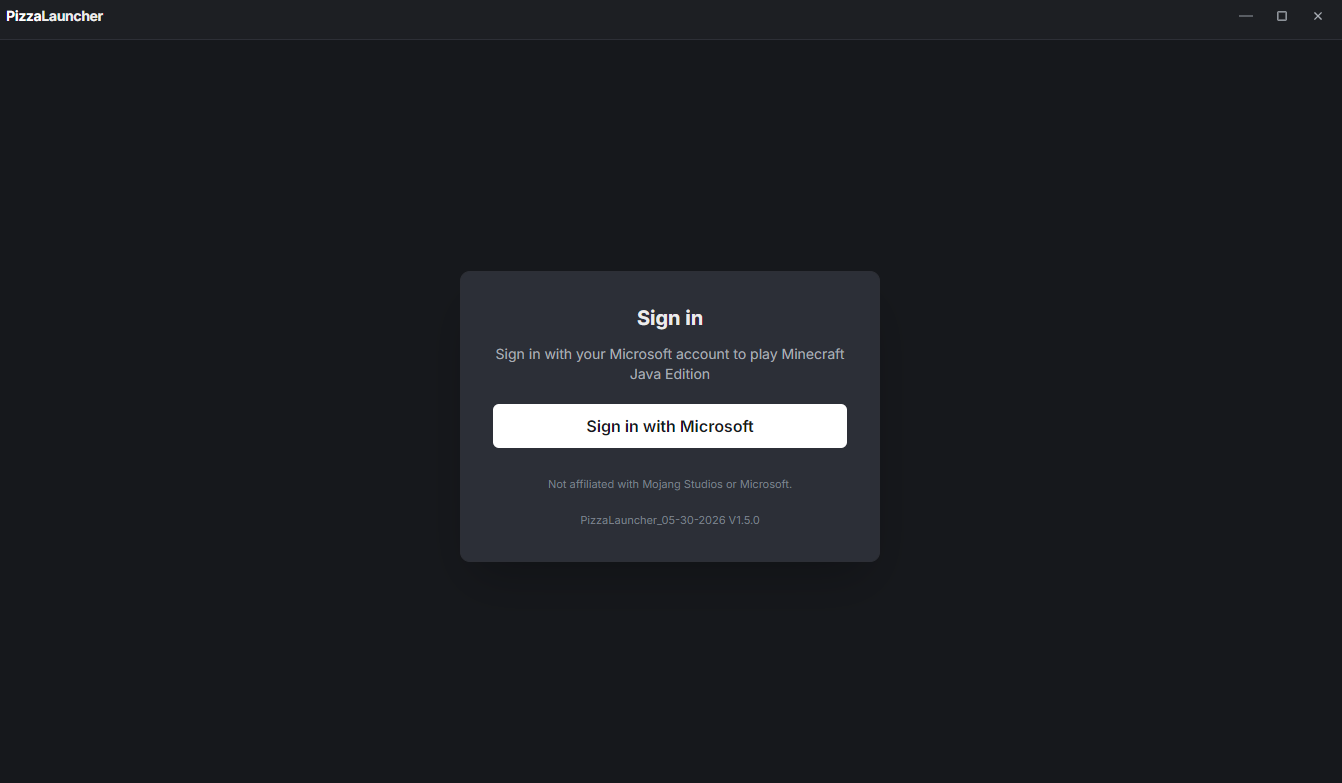
Sign in with Microsoft
Log in with the same Microsoft account you use for Minecraft: Java Edition. works out of the box.
- ✓ Official Microsoft OAuth flow
- ✓ Switch between multiple accounts
- ✓ Stays signed in between sessions
Install any version, ever
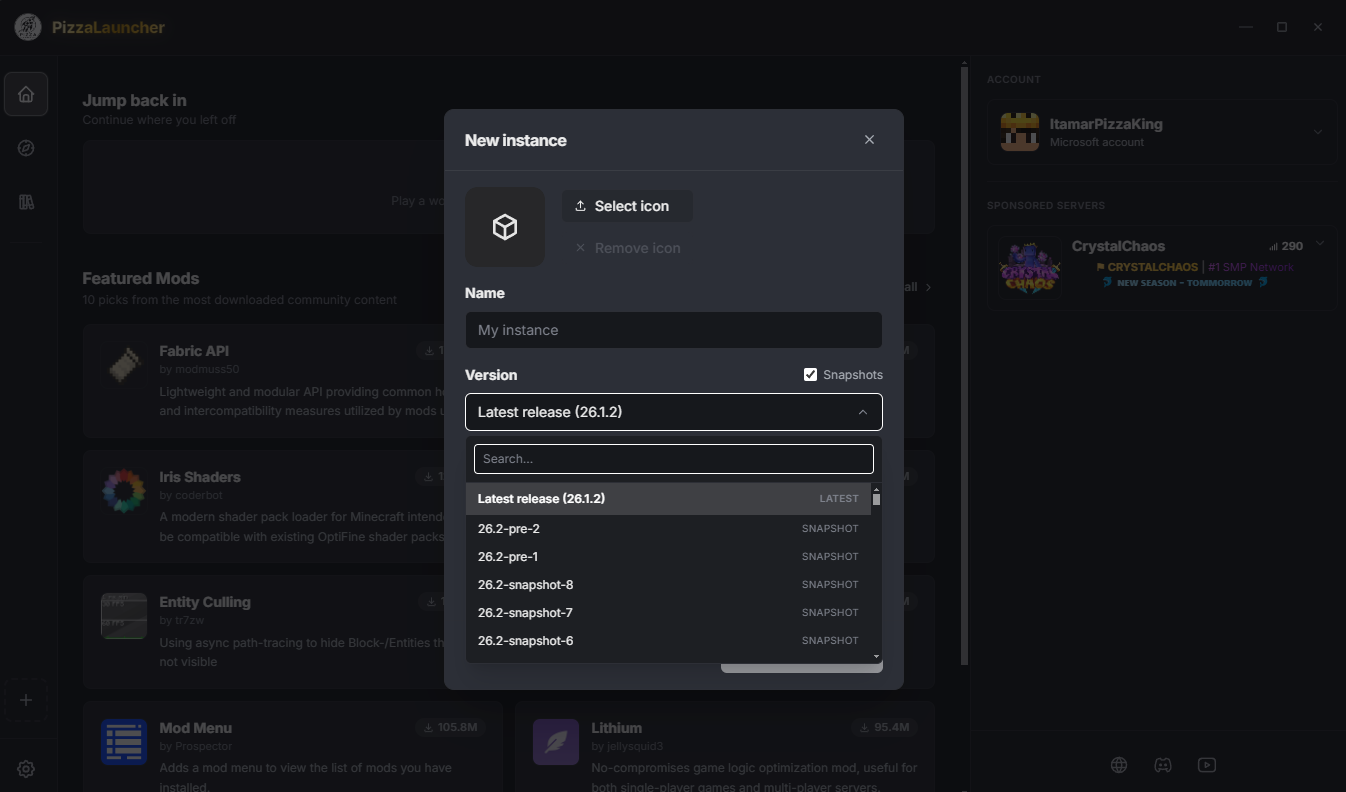
Modern releases, weekly snapshots, and the deep cuts — old betas and alphas included. Pick a version and PizzaLauncher fetches and verifies everything it needs automatically.
- ✓ Full release & snapshot history
- ✓ Old beta and alpha builds
- ✓ Automatic asset & library downloads
Keep every setup separate
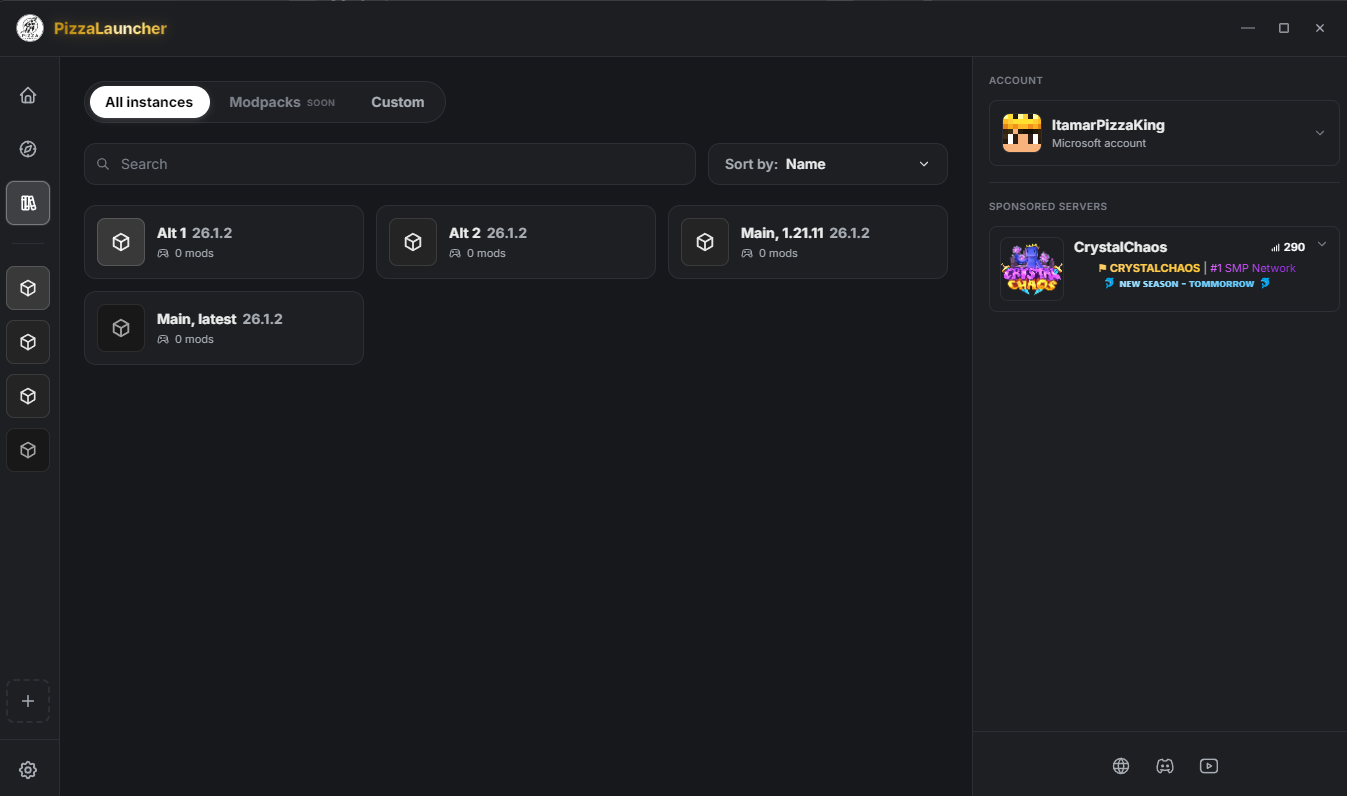
Create as many instances as you like, each with its own version, mod loadout, and dedicated RAM allocation. Run a heavily-modded pack and a clean vanilla world side by side without them stepping on each other.
- ✓ Independent mod loadouts
- ✓ Per-instance memory limits
- ✓ Isolated worlds & settings
Modrinth, built right in
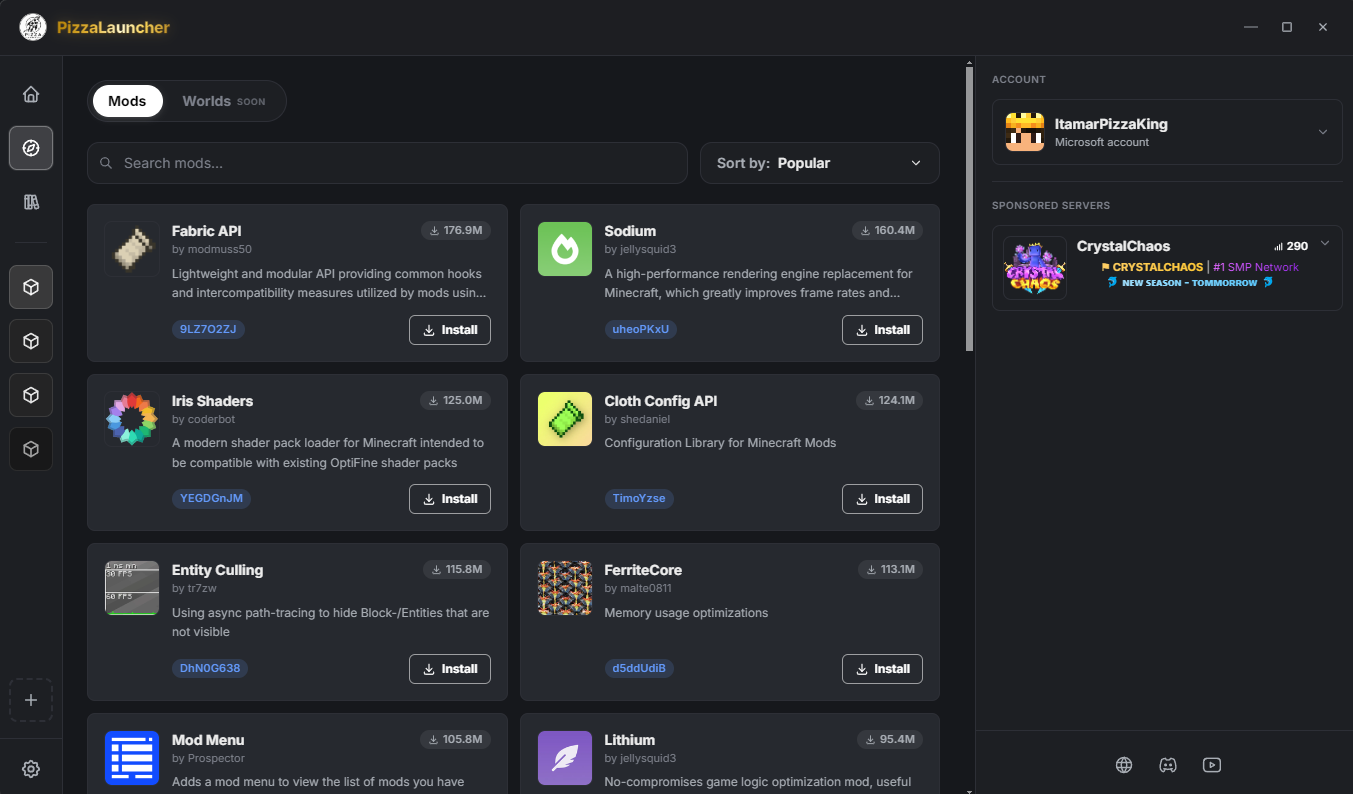
Browse and search the Modrinth catalogue without leaving the launcher. One click installs a mod into the instance you choose — no downloading zips, no dragging files into folders.
- ✓ Search the full Modrinth library
- ✓ One-click install per instance
- ✓ Mod details & descriptions in-app